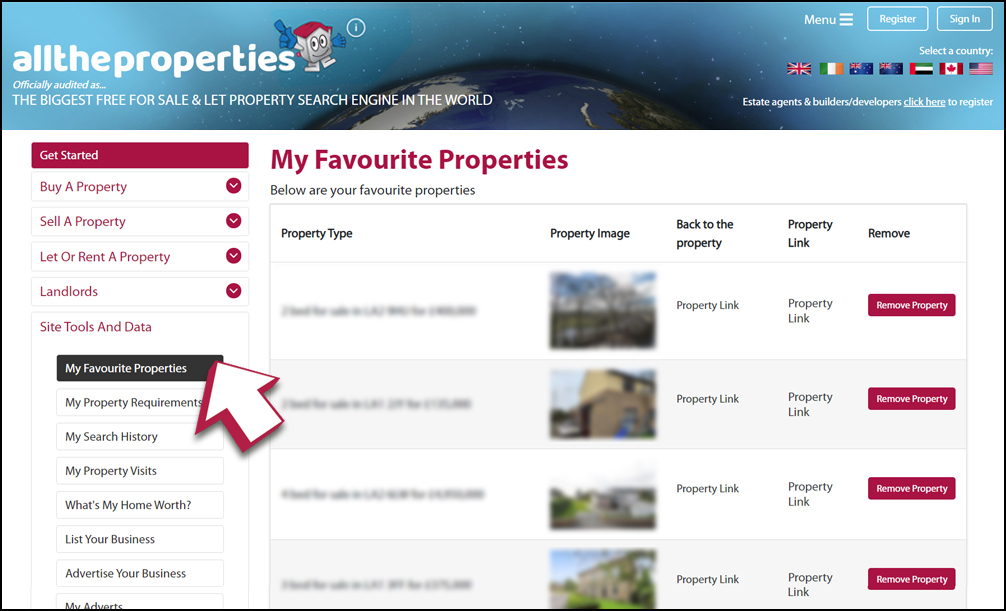
When you have found a property that you are interested in you are able to save the property for reviewing back at any time. Follow the steps below for how to save these properties to your favourites. Your saved properties can be found in your ‘Personal Page’ area under the ‘Site Tools And Data’ tab and is labelled ‘My Favourite Properties’ in the left hand side menu. This is all free for every user however you need to create an account before you can access this information. You will receive a more personal and dynamic experience once you create an account here.
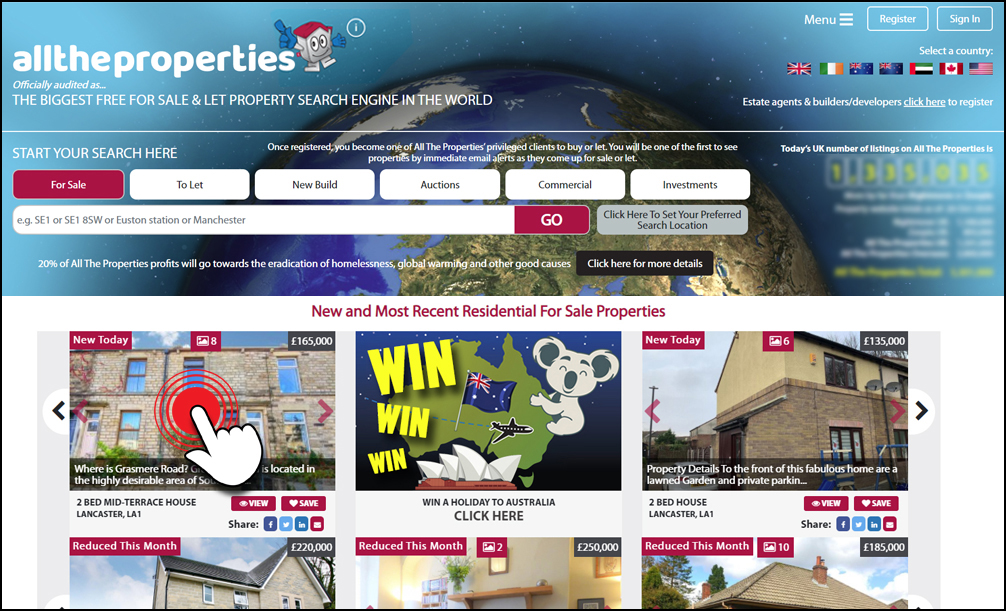
Step One
Click on any residential property that you see on our site that is for sale
or to let.
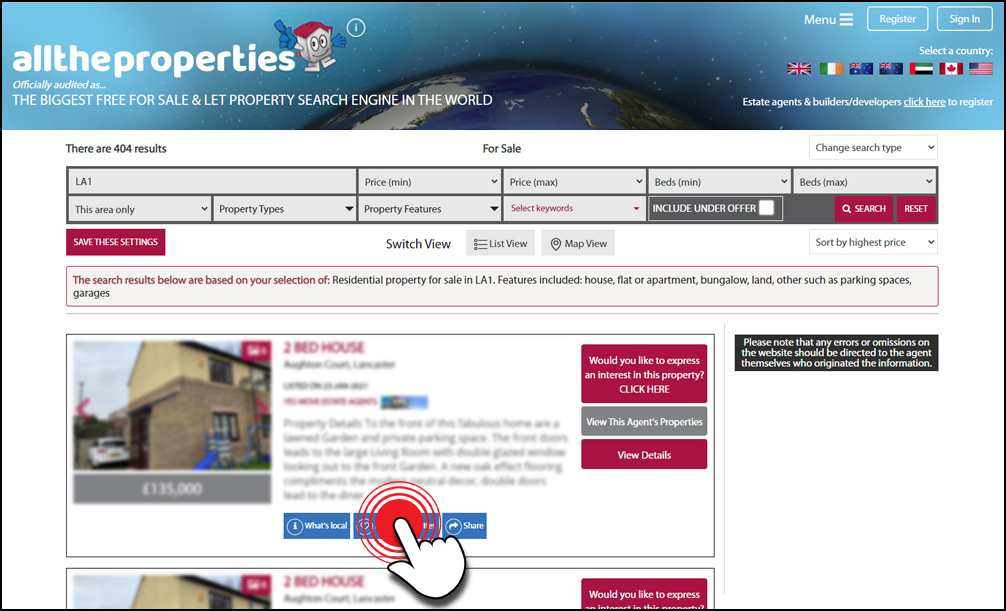
Step Two
On the property result profile you will find a blue ‘Add to favourites’ button.
Click on this button to save the property and a pop up message will appear, see the next step.
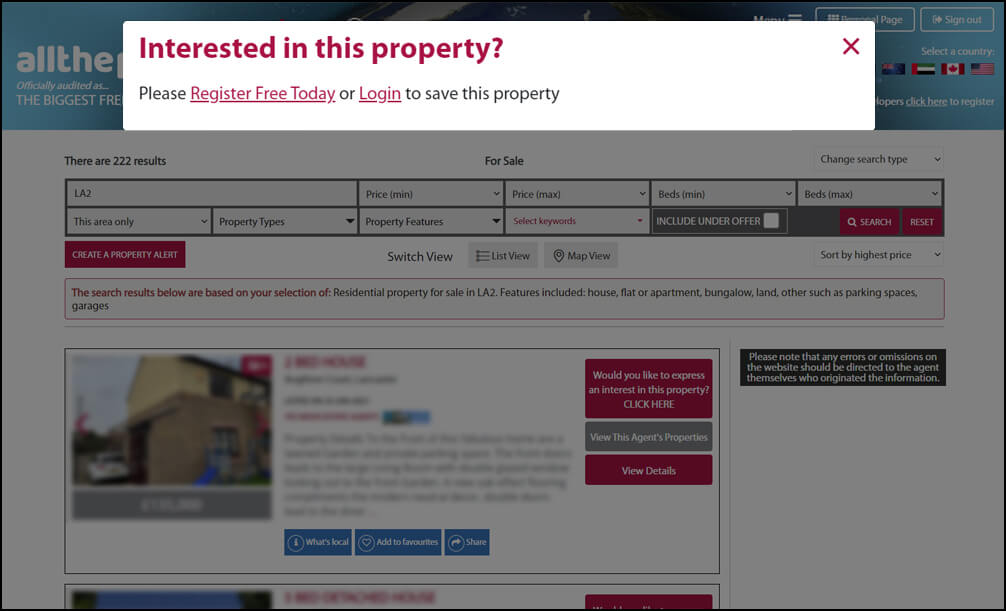
Step Three (If not registered or logged in)
A pop up message will appear and if you are not registered or logged into your account it will ask you to either register or login to save this property.
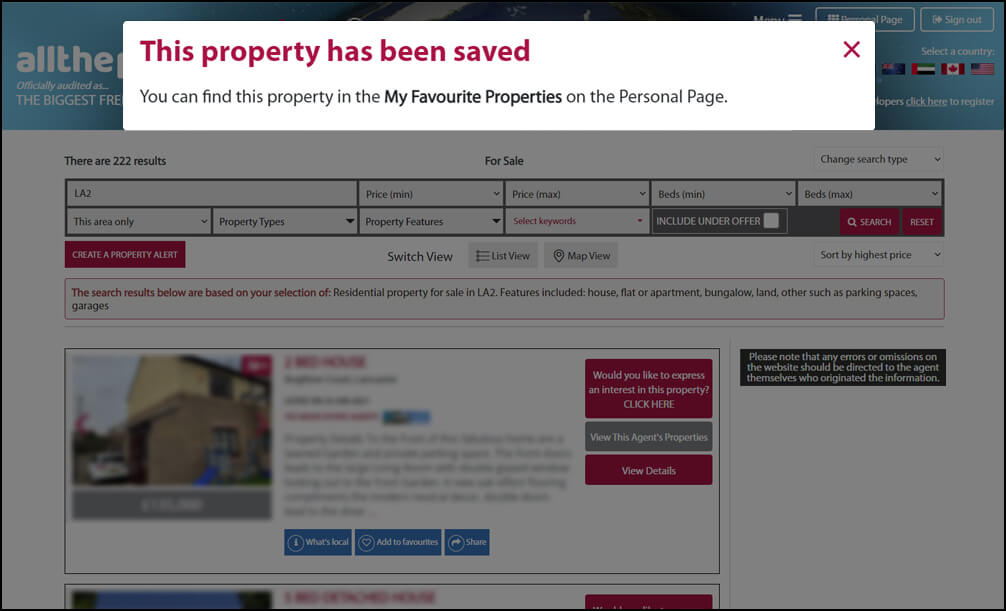
Step Three (If you are logged in)
A pop up message will appear informing you that the property has been saved if you are registered and you are logged into your account.
Step Four
Your saved properties can be found in your ‘Personal Page’ area under the ‘Site Tools And Data’ tab and is labelled ‘My Favourite Properties’ in the left hand side menu.
Trades and local business
Our directory of businesses is a great way to find a service that you might require and we just might have a discounted offer available!
You can set your preferred search location by simply entering the village, town, city (or part of these locations i.e. a specific area) , postcode or county in the box below. This can be the location where you are seeking to find your dream home, selling a property, renting or letting a property or buying or selling a commercial property or lease.