If you would like to find out about the local area or such things as broadband speed you can expect at the property then this is all provided for you.
Follow the steps below to access the many features and information you might require to help you find a suitable property. This is all free for every user but for a more personal and dynamic experience please create an account here.
Step One
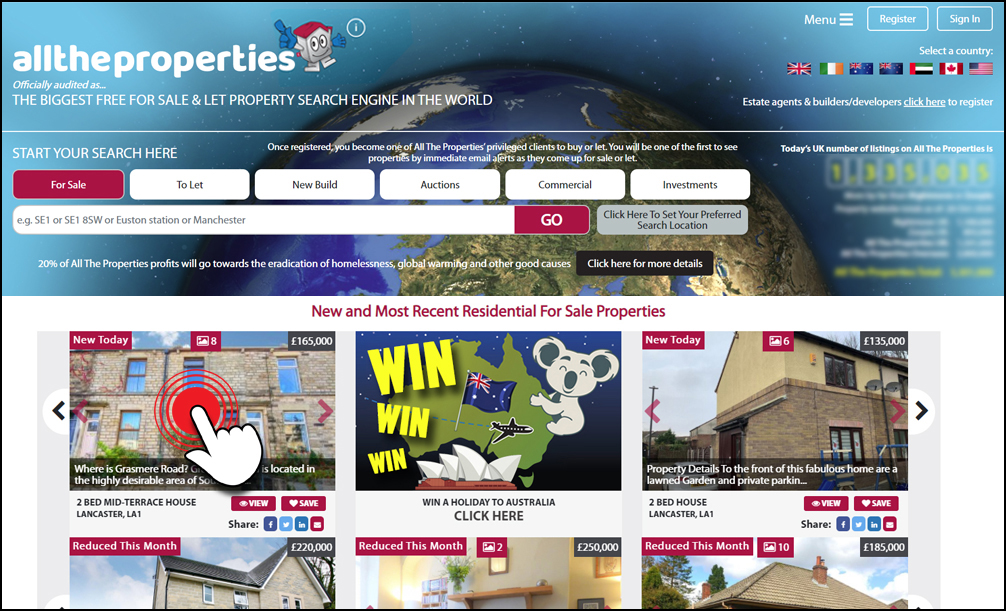
Click on any residential property that you see on our site that is for sale
or to let.
Step Two
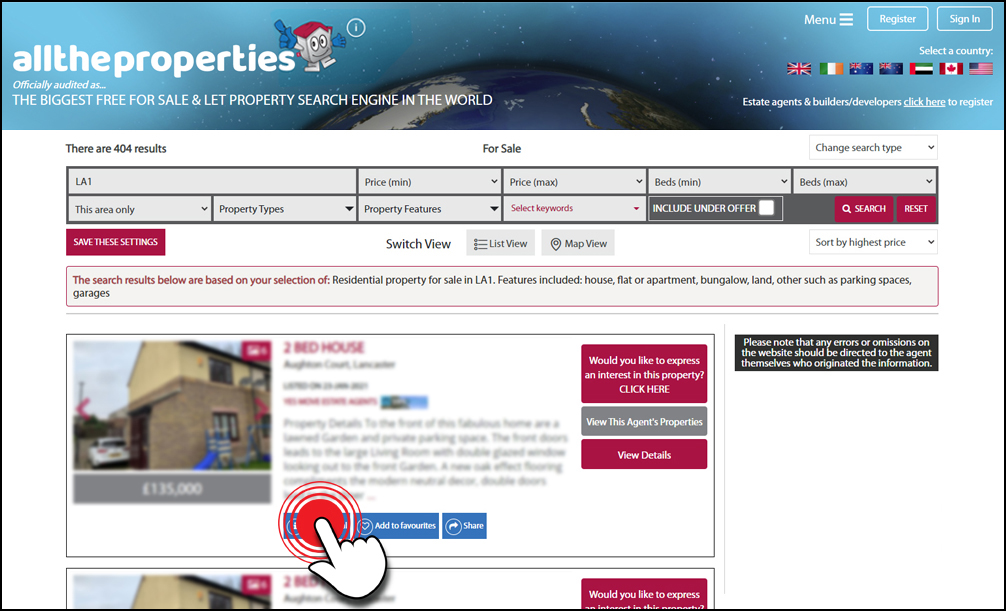
On the property result profile you will find a blue ‘What’s local’ button.
Click on this button to launch the information popup.
Step Three
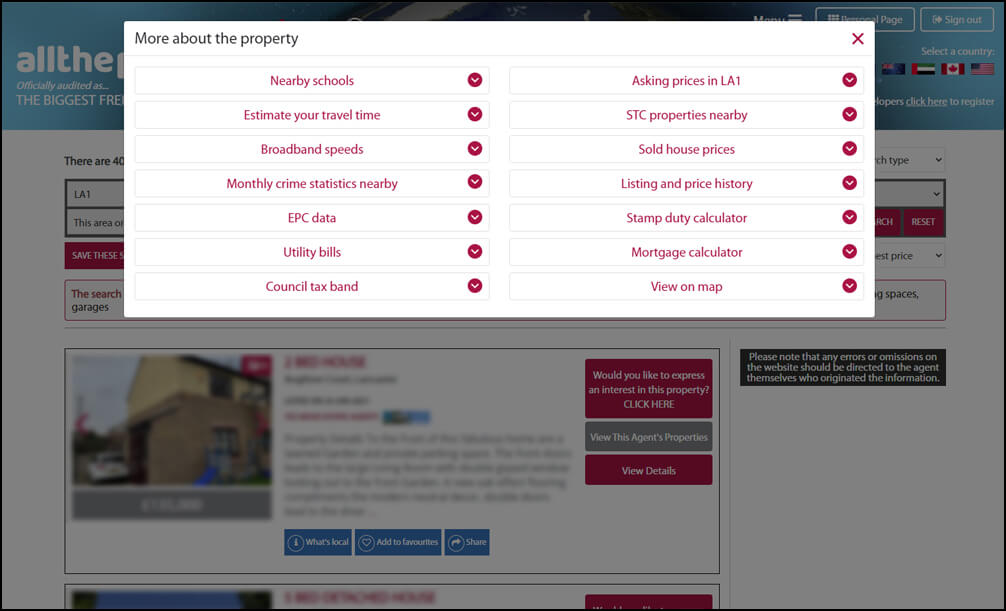
The What’s Local area will appear and you will be presented with a list of categories containing information on your chosen area.
Trades and local business
Our directory of businesses is a great way to find a service that you might require and we just might have a discounted offer available!
You can set your preferred search location by simply entering the village, town, city (or part of these locations i.e. a specific area) , postcode or county in the box below. This can be the location where you are seeking to find your dream home, selling a property, renting or letting a property or buying or selling a commercial property or lease.